
Description
Have a laptop you’d like to use for ham radio?
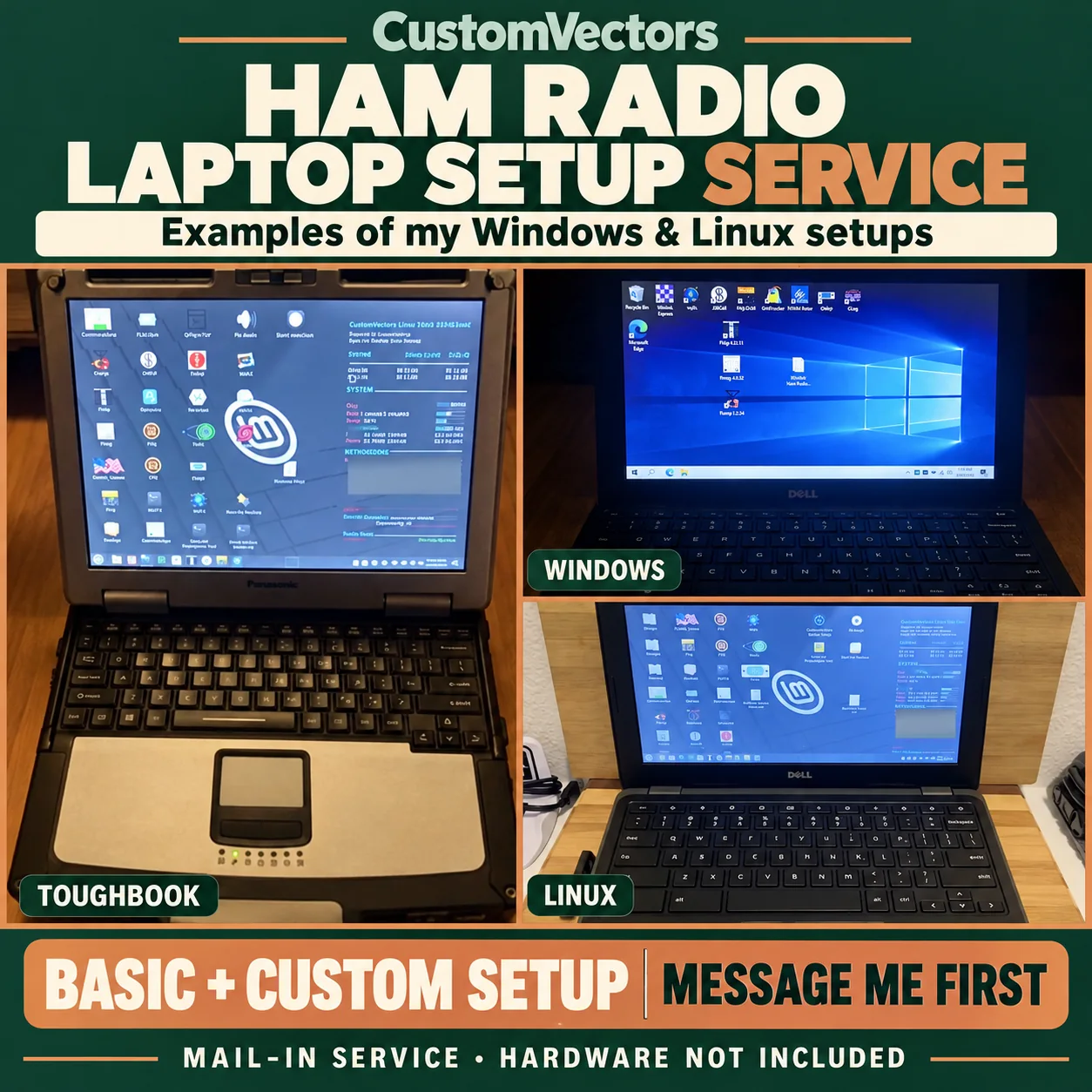
I can bring a CustomVectors Windows or Linux ham radio setup to a compatible laptop you already own. Tell me what you’d like to do, even if you’re not sure which programs you need. We’ll work out a practical setup together.
Contact me before purchasing or shipping anything. We’ll confirm compatibility, the work, an agreed quote and an available work slot first. I personally handle each laptop and accept a limited number of projects; if my schedule is full, a waitlist may be available.
Basic or Custom: choose the work you need
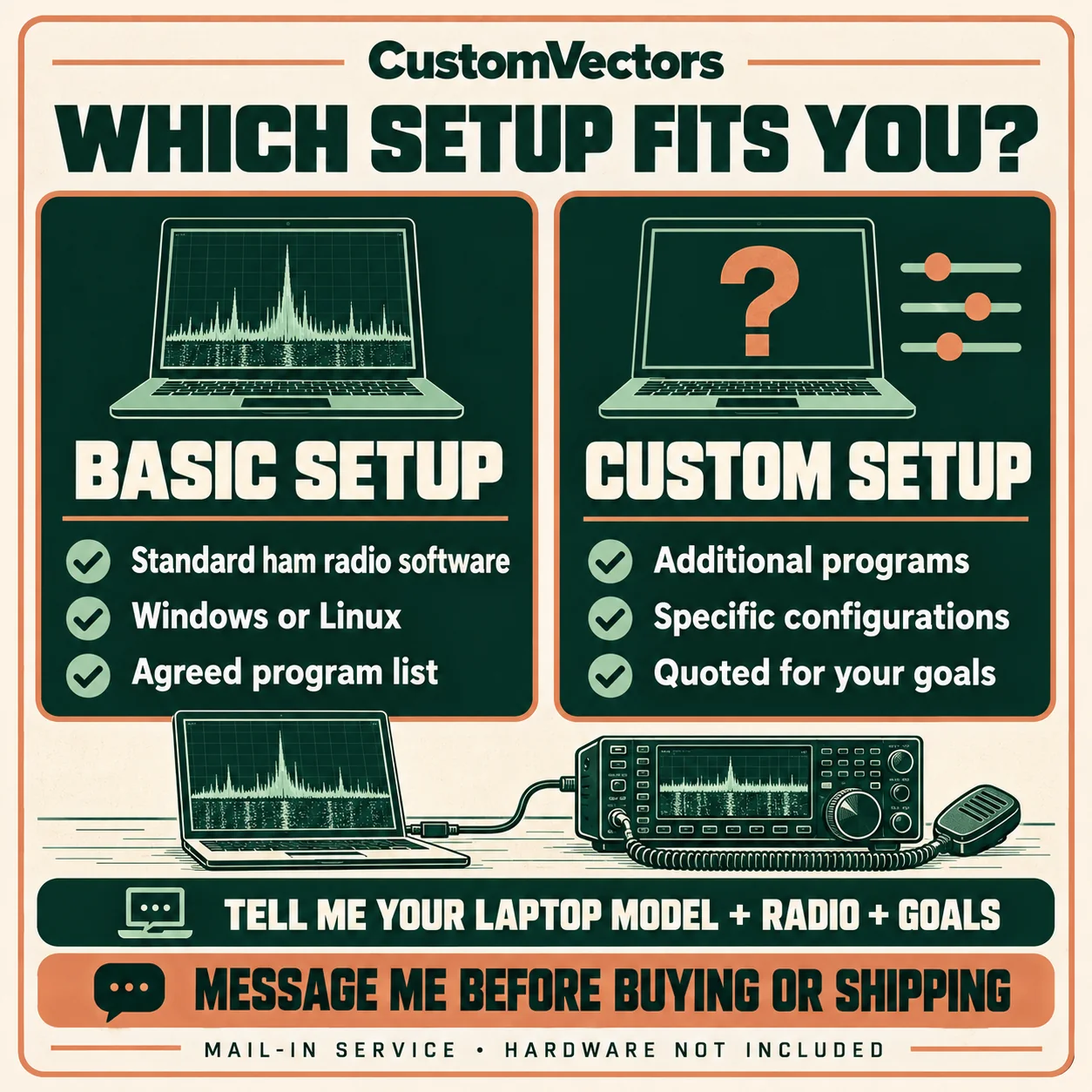
Basic setup
Basic follows the established software and configuration used in my compatible Windows or Linux ham radio kits. I install the agreed applications, apply the standard setup where appropriate and check their operation on your laptop.
Custom setup
Custom builds on that agreed foundation with work tailored to your goals: additional applications, compatible drivers, callsign and grid information, radio/interface settings, troubleshooting and testing. We’ll agree on the application list and configuration before purchase, and discuss later additions separately.
Software examples include JS8Call, WSJT-X, FLDIGI and SDR++. The exact selection depends on your operating system, hardware and our agreement. Basic and Custom are descriptions of scope, not fixed-price packages; your quote covers the work we agree on.
If your goal is text messaging in JS8Call or exploring FLDIGI’s supported modes, tell me that during intake. I can discuss those applications as part of an agreed setup, then identify the audio interface, cables and control settings your station still needs. The guides below can help you describe what you want to do.
Tell me about your laptop
- Its exact make and model.
- The current operating system and whether you prefer Windows or Linux.
- Your radio and interface models, if you have them.
- The applications or goals you have in mind.
- Any existing problems with the laptop or setup.
A plain description is fine. We’ll check the details together, including any Windows-driver or Chromebook-conversion requirements. After we’ve confirmed the job and work slot, securely pack your laptop and its compatible charger. Send a radio, interface or other equipment only if we’ve arranged that first.
We’ll arrange access to the laptop privately. Please don’t put passwords in a public form, review or comment.
Timing and shipping
Custom work can take approximately two weeks after your laptop arrives for its scheduled work slot, plus shipping time. More involved projects may take longer. We’ll agree on the expected timeframe before you purchase.
This service is available in the contiguous United States. You arrange and pay for tracked inbound shipping to me. Standard return shipping is included in the agreed service price; we’ll confirm your return address during intake. Please wait for my confirmation before sending your laptop.
Your files and permission come first
Back up your files, logbooks and radio settings before shipping. I’ll obtain your permission before erasing data, reinstalling the operating system, changing storage or modifying Chromebook firmware.
If an unexpected issue changes the scope, cost or timing, I’ll contact you before proceeding. Before purchase, we’ll also agree on diagnostic charges and return handling if the requested work cannot be completed.
What I check and what you’ll finish at home
I check the agreed software and functions using the equipment available to me. Without your actual radio and interface, I can’t promise full-station or on-air operation. You may still need to finish audio levels, connections or radio-control settings when you reconnect your station.
This is setup, configuration and testing time on your own laptop. No laptop, radio, USB drive, interface, cables or other hardware is included unless separately agreed. Hardware repairs, data recovery, paid software or operating-system licenses and subscriptions are separate.
Optional help after setup
If you’d like ongoing help, ask about a separately agreed year of support. We would settle the scope, price, session allowance and scheduling beforehand. Every remote session requires your permission; you can watch and end the session. Renewal would be your choice each year, handled manually with no automatic renewal.
Let’s discuss your setup
Email [email protected] or call 262-770-5288. Start with your laptop model and what you’d like to accomplish. Thanks for supporting my small laptop business.
The gallery shows my earlier kit examples and service artwork. Pictured equipment is illustrative and is not included. For help with an existing CustomVectors laptop, visit Support.