When someone asks me which ham radio laptop kit to choose, I start with their station, not the biggest storage number. What radio do you have, what would you like to do with it, and what equipment is already on your desk? Those answers make it much easier to choose a useful setup.
I clean, configure and test each CustomVectors laptop myself. Your radio connections and settings still need to suit your own equipment. This checklist will help you work out what you need and what to ask me before ordering.
Start with what you want to do
Write down the application or activity you have in mind. If you already use a program, include its name and the operating system you use with it. If you are just getting started, a plain description of what you hope to try is fine.
Think about where the laptop will live, too: at a desk, beside the radio or packed away between uses. Screen size, available space and access to power can matter as much as the storage capacity.
Make a short equipment list
- Your radio’s manufacturer and exact model.
- The interface, if you use one, and its model.
- The cables you already have and what they connect.
- The software you want to use, including a version if you know it.
- Whether this equipment has worked together before, or whether this is a new setup.
If you do not know a cable or interface name, send me a clear photograph. A laptop’s software setup is only one part of the station; the radio, interface, cable, audio and push-to-talk settings need to work together. Matching connector shapes or familiar application names aren’t enough to confirm that the equipment works together. Check the details for your radio and interface.
Check the kit’s included items
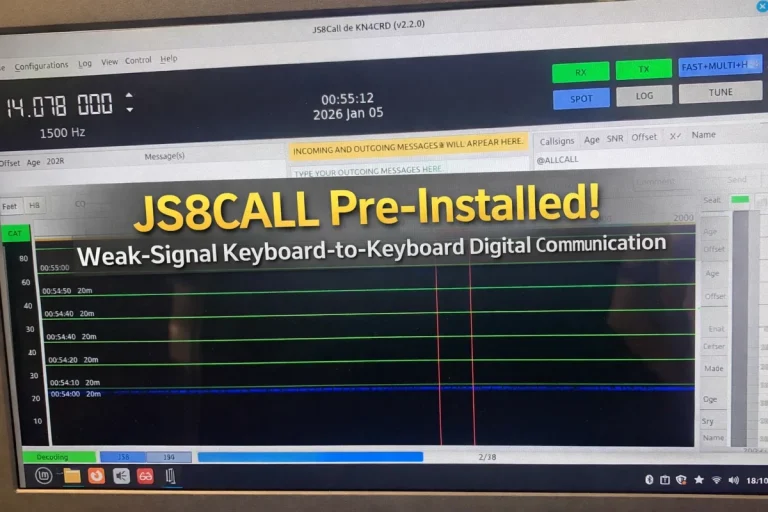
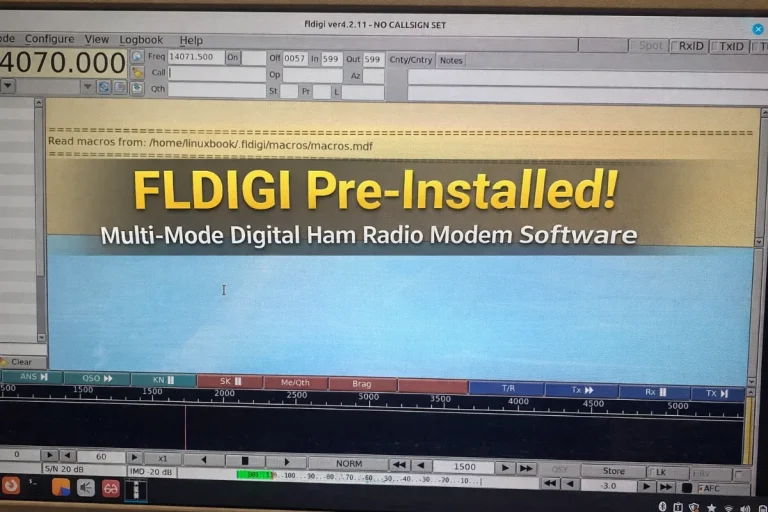
Read the included-items section rather than treating an illustration or software screen as a packing list. For example, my Standard 128GB kit includes the Dell Chromebook 3180 laptop, its SanDisk system drive, a new compatible charger and a first-use guide. Your radio equipment is something to discuss separately.
The Standard laptop has an Intel Celeron N3060, 4GB RAM and an 11.6-inch display. Its 128GB label describes the USB system drive, not the amount of RAM. Compare the actual hardware and storage arrangement as well as the kit name.
Understand where the system runs
The Standard kit runs Linux Mint from its supplied 128GB SanDisk USB 3.1 drive. That drive stays inserted while the laptop is on. It is the working system drive, not an installer to remove after setup. The original internal eMMC is available for additional file storage.
Check the individual listing when considering another kit. Do not assume that every laptop has the same operating system, storage or included accessories.
Look at used condition and preparation time
These are used laptops, so condition can vary. Look at the photographs and condition description, and ask about anything that matters to you. If you plan to use the laptop away from a power outlet, ask about the particular unit’s battery condition rather than assuming a running time.
Please allow five business days for me to prepare your kit before shipment. Carrier transit is separate. I offer free USPS Ground Advantage shipping from Melissa, Texas, to the 50 states and Washington, DC, including Alaska and Hawaii. I do not ship to US territories or international destinations.
Send me your checklist
Email [email protected] or call 262-770-5288 with your equipment list and the kit you are considering. You do not need to know every answer before getting in touch.
You can explore the ham radio kit range, browse my laptop kits or visit Support if you already have a CustomVectors laptop.